Book Categories:
















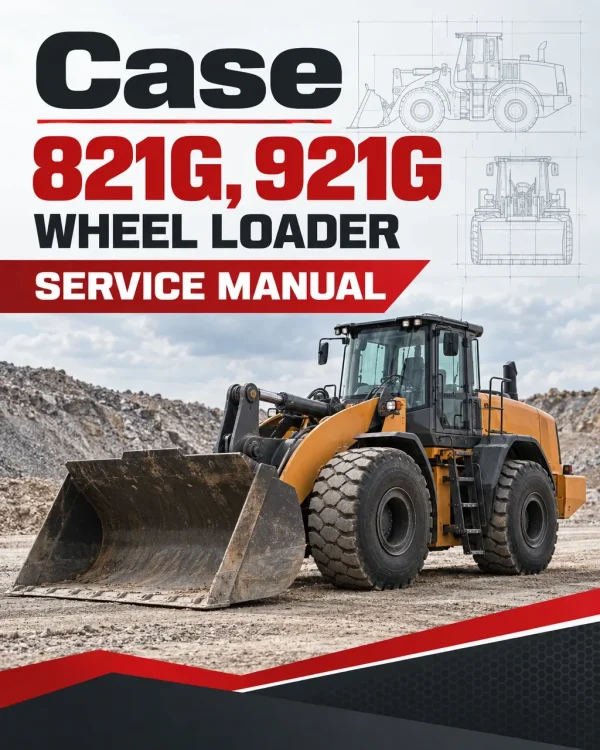
Case 821G, 921G Wheel Loader Service Manual
$36.00
What’s Included
| Service Manual | 2,943 Pages & 2,935 Pages & 2,203 Pages |
|---|
Technical Details
| Brand | Case |
|---|---|
| Models Covered | 821G, 921G |
| Machine Type | Loader |
| Language | English |
| Format | |
| Publication References | 51428267 (Dec 2017), 51428216 (Nov 2017) & 48083741 (Jul 2018) |
| Documentation | Service Manual |
| Publication Numbers | 51428267 (Dec 2017), 51428216 (Nov 2017) & 48083741 (Jul 2018) |
Table of Contents
- Content
- Introduction
- Engine
- Transmission
- Front Axle
- Rear Axle
- Hydraulic System
- Brakes and Controls
- Hydraulic System
- Steering
- Wheels
- Cab climate control
- Electrical System
- Front Loader and Bucket
- Platform, Cab, Bodywork and Decals
- Special Tool Index
Manual Extract: Loader arm and bucket control system – Remove – Electro-Hydraulic (EH) lift sensor
 1. Park the machine on a level surface and lower the bucket to the floor. Stop the engine and apply the parking brake.
2. With the engine stopped, move the joystick or control lever(s) to release any pressure in the hydraulic circuit.
3. Locate the Electro-Hydraulic (EH) lift sensor assembly on the right-hand of the front frame.
Disconnect the electrical connector X-BOA (arrow) from the Electro-Hydraulic (EH) lift sensor (1).
4. Loosen and remove the three bolts (5), washers (4) and spacers (3) that fix the EH lift sensor assembly (1) to the front frame.
5. Remove the hexagon socket screw (2) from the arm fork of the EH lift sensor assembly (1). Remove the EH lift sensor assembly (1) from the machine.
Only logged in customers who have purchased this product may leave a review.




Reviews
There are no reviews yet.