Book Categories:















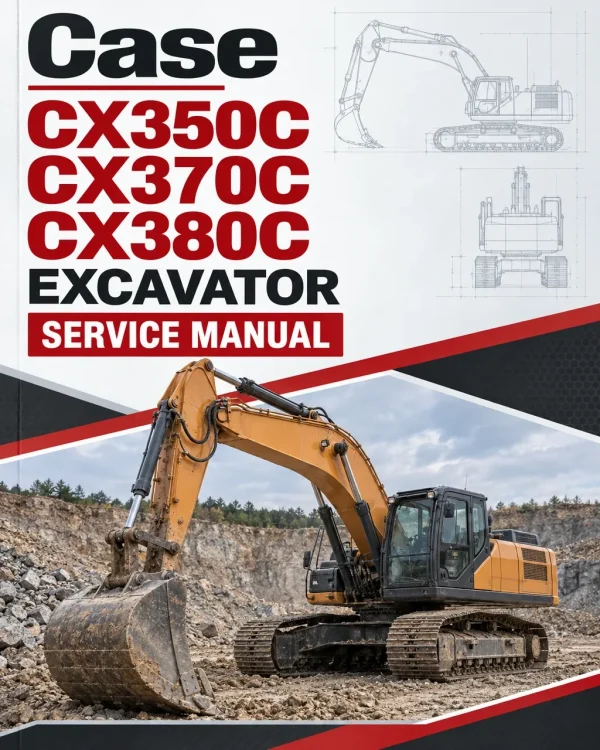
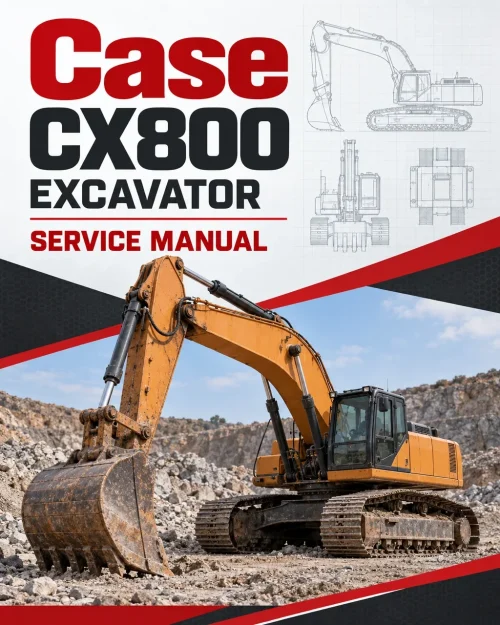
Case CX350C, CX370C, CX380C Excavator Service Manual
$38.00
What’s Included
| Service Manual | 2,645 Pages; 3,067 Pages; 1,963 Pages |
|---|
Technical Details
| Brand | Case |
|---|---|
| Model Covered | CX350C, CX380C and CX350C, CX370C |
| Machine Type | Excavator |
| Documentation | Service Manual |
| Publication Numbers | 84402827B (May 2011), 47877018 (Jul 2015), 48063132, 47795406 (Oct 2015) |
| Publication Year | 2011 |
| Language | English |
| Format |
Table of Contents
- Content
- Introduction
- Engine
- Hydraulics System
- Frames and Ballasting
- Tracks and Track Suspension
- Cab Climate Control
- Electrical System
- Booms, dippers and buckets
- Dozer Blade and Arm
- Platform, cab, bodywork and decals
- Special Tools Index
- Hydraulic Schematics
- Electrical Schematics
Manual Extract: Bucket – Install

1. Clean each pin and pin hole.
2. Place the back of the bucket parallel to the ground.
Use a hammer (4) to push in the bucket side pin (3) and arm side pin (2), and then install the bucket (1).
• If the pin is hard to insert, there is a load on the pin.
Do not force it in. Adjust the bucket installation position.
• When inserting the pin, be careful not to damage the installed O-rings or dust seals.
3. Install the bolts (1) and nuts (2) to the bucket and arm side pins.
• When installing the pin bolts, leave about 1 – 2 mm (0.039 – 0.079 in) of gap between both nuts and the retaining ring.
• Grease up.
Identify the Tier Level of your Equipment (Read our Article on Tier Level )
Only logged in customers who have purchased this product may leave a review.

Reviews
There are no reviews yet.